

Micronaut AWS Lambda and S3 Event
Learn how to generate thumbnails for images uploaded to an S3 bucket with AWS Lambda and the Micronaut framework
On this guide
In this section
Getting Started
In this guide, we will create a Micronaut application written in Java.
What you will need
To complete this guide, you will need the following:
-
Some time on your hands
-
A decent text editor or IDE (e.g. IntelliJ IDEA)
-
JDK 21 or greater installed with
JAVA_HOMEconfigured appropriately
Solution
We recommend that you follow the instructions in the next sections and create the application step by step. However, you can go right to the completed example.
-
Download and unzip the source
Writing the App
Create an application using the Micronaut Command Line Interface or with Micronaut Launch.
mn create-function-app example.micronaut.micronautguide --features=aws-lambda-s3-event-notification --build=gradle --lang=java|
Note
|
If you don’t specify the --build argument, Gradle with the Kotlin DSL is used as the build tool. If you don’t specify the --lang argument, Java is used as the language.If you don’t specify the --test argument, JUnit is used for Java and Kotlin, and Spock is used for Groovy.
|
If you use Micronaut Launch, select serverless function as the application type and add the aws-lambda-s3-event-notification feature.
The previous command creates a Micronaut application with the default package example.micronaut in a directory named micronautguide.
Thumbnail Configuration
Add the following configuration:
thumbnail.width=256
thumbnail.height=256
Create an interface to encapsulate configuration:
imports
package example.micronaut;

import io.micronaut.core.annotation.NonNull;
public interface ThumbnailConfiguration {
@NonNull
Integer getWidth();
@NonNull
Integer getHeight();
}Thumbnail Generation
Create a contract for thumbnail generation. We leverage the @Pattern annotation to accept only jpg and png files.
imports
package example.micronaut;

import io.micronaut.core.annotation.NonNull;

import jakarta.validation.constraints.NotBlank;
import jakarta.validation.constraints.Pattern;
import java.io.InputStream;
import java.util.Optional;
public interface ThumbnailGenerator {
@NonNull
Optional<byte[]> thumbnail(@NonNull InputStream inputStream,
@NonNull @NotBlank @Pattern(regexp = "jpg|png") String format);
}Add a dependency to Thumbnailator, a thumbnail generation library for Java.
implementation("net.coobird:thumbnailator:0.4.17")Create an implementation of ThumbnailGenerator that uses Thumbnailator.
Handler
When you select the feature aws-lambda-s3-event-notification, the application build includes the following dependency:
implementation("com.amazonaws:aws-lambda-java-events")To inject an S3Client, add the following dependencies:
implementation("io.micronaut.aws:micronaut-aws-sdk-v2")
implementation("software.amazon.awssdk:s3")
The handler receives an S3 notification event and, for each S3 event of type ObjectCreated, creates a thumbnail if the S3 object is a PNG or JPG in the thumbnails folder of the same S3 bucket that triggered the event.
S3
Create an S3 bucket.
Inside the bucket, create two folders: thumbnails and images.
Lambda
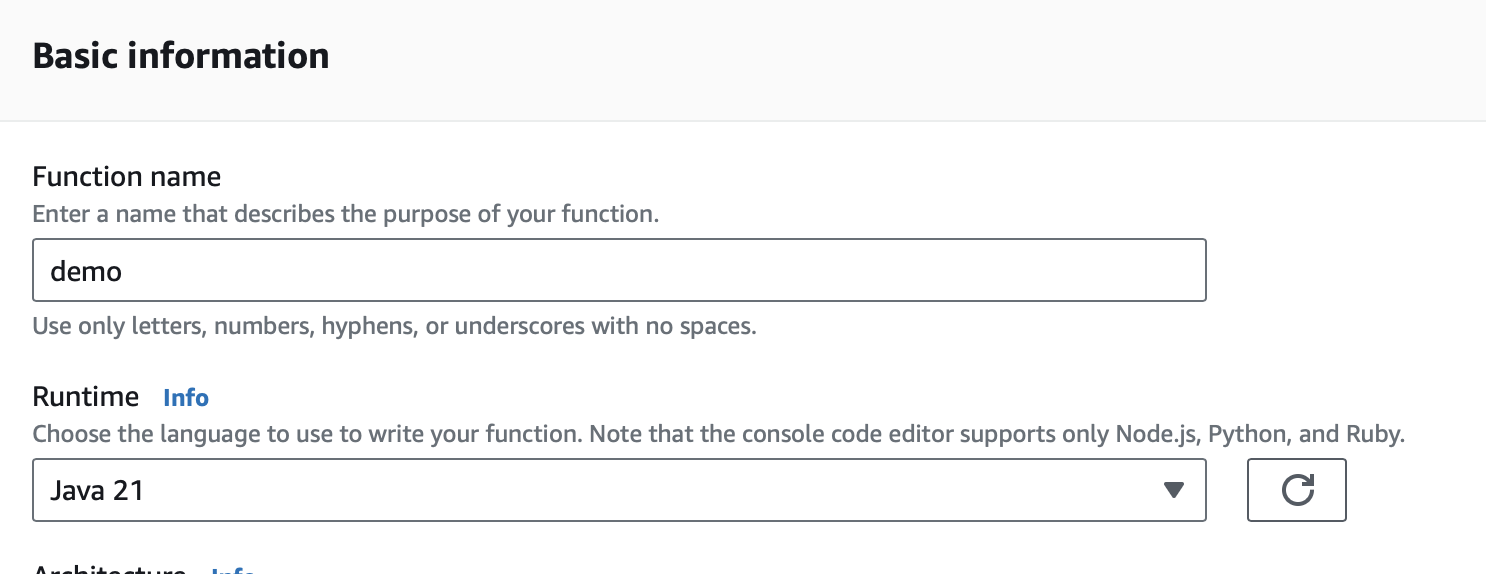
Create a Lambda function. As a runtime, select Java 21.
IAM Role
Grant permissions to access the S3 bucket to the IAM role associated with the Lambda.
Triggers
Create two S3 triggers, one for PNGs and one for JPGs:
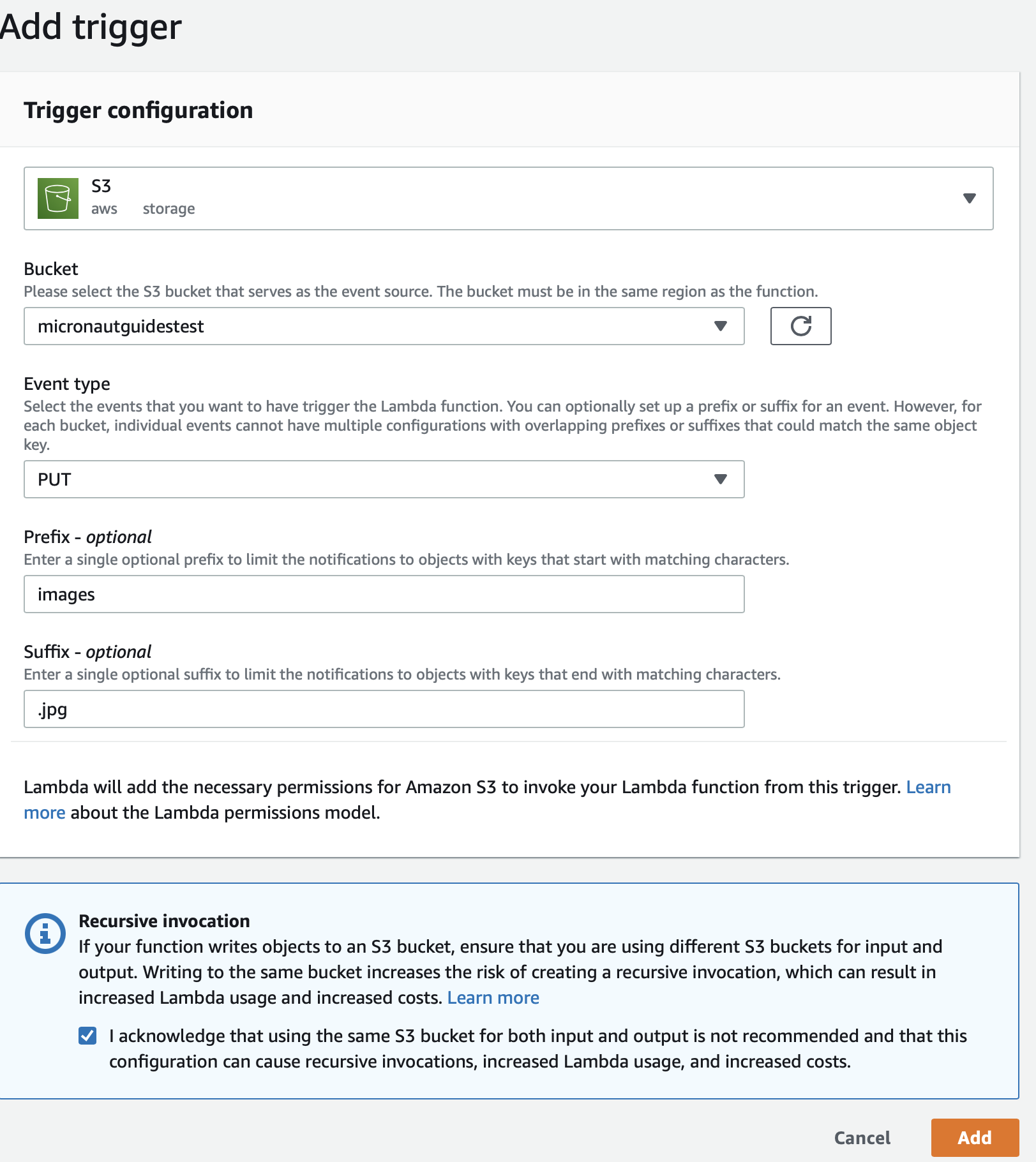
Configure the trigger to:
-
Listen only to PUT events.
-
Only for files uploaded to the
imagesfolder. -
Only for files suffixed
jpg.
Upload Code
Create an executable jar including all dependencies:
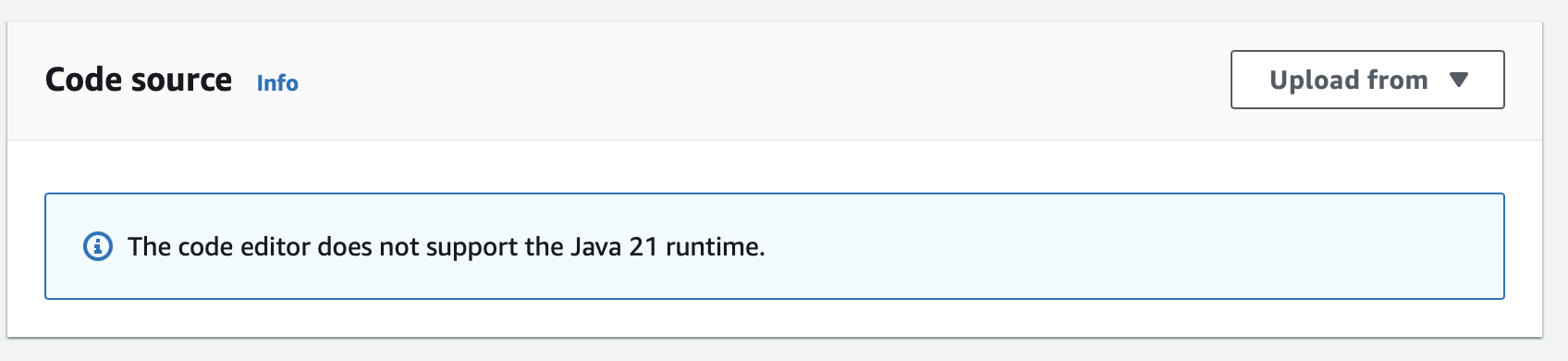
./gradlew shadowJarUpload it:
Handler
In the AWS Console, as the handler, set:
example.micronaut.FunctionRequestHandler
Test
You can test it easily: upload a JPG file to the images folder of the S3 bucket you created. You can do this directly in the AWS Console. In a few seconds, you will see a thumbnail saved in the thumbnails folder of the bucket.
Read more about:
License
|
Note
|
All guides are released with an Apache License 2.0 for the code and a Creative Commons Attribution 4.0 license for the writing and media (images). |