

Secret Rotation AWS Lambda and Secrets Manager
Learn how to create an AWS Lambda function with the Micronaut framework to rotate a secret stored in AWS Secrets Manager
On this guide
In this section
Getting Started
In this guide, we will create a Micronaut application written in Java.
What you will need
To complete this guide, you will need the following:
-
Some time on your hands
-
A decent text editor or IDE (e.g. IntelliJ IDEA)
-
JDK 21 or greater installed with
JAVA_HOMEconfigured appropriately
Solution
We recommend that you follow the instructions in the next sections and create the application step by step. However, you can go right to the completed example.
-
Download and unzip the source
Writing the App
Create an application using the Micronaut Command Line Interface or with Micronaut Launch.
mn create-function-app example.micronaut.micronautguide --features=aws-lambda --build=gradle --lang=java|
Note
|
If you don’t specify the --build argument, Gradle with the Kotlin DSL is used as the build tool. If you don’t specify the --lang argument, Java is used as the language.If you don’t specify the --test argument, JUnit is used for Java and Kotlin, and Spock is used for Groovy.
|
If you use Micronaut Launch, select serverless function as the application type and add the aws-lambda feature.
The previous command creates a Micronaut application with the default package example.micronaut in a directory named micronautguide.
Delete Sample Code
Micronaut Launch generates some sample code by default. Delete the following files:
-
src/main/java/example/micronaut/Book.java -
src/main/java/example/micronaut/BookRequest.java -
src/main/java/example/micronaut/BookSaved.java -
src/test/java/example/micronaut/BookRequestHandlerTest.java
Code
This guide is complementary to:
JSON Web Key Generation
Create an interface to encapsulate the contract to generate a JWK (JSON Web Key)
imports
package example.micronaut;

import io.micronaut.core.annotation.NonNull;
import io.micronaut.core.annotation.Nullable;

import java.util.Optional;
/**
* <a href="https://datatracker.ietf.org/doc/html/rfc7517">JSON Web Key</a>
*/
public interface JsonWebKeyGenerator {
@NonNull
Optional<String> generateJsonWebKey(@Nullable String kid);
}To generate a JWK, use Nimbus JOSE + JWT, an open source Java library to generate JSON Web Tokens (JWT).
Add the following dependency:
implementation("com.nimbusds:nimbus-jose-jwt:9.40")Create an implementation of JsonWebKeyGenerator
Micronaut AWS Secrets Manager Dependency
Add the following dependency:
implementation("io.micronaut.aws:micronaut-aws-secretsmanager")Rotation Steps
AWS Secrets Manager defines several steps to allow for different rotation scenarios.
Create an enum to encapsulate those steps:
imports
package example.micronaut;

import io.micronaut.core.annotation.NonNull;
import java.util.Collections;
import java.util.Map;
import java.util.Optional;
import java.util.HashMap;
public enum SecretsManagerRotationStep {
CREATE_SECRET("createSecret"),
SET_SECRET("setSecret"),
TEST_SECRET("testSecret"),
FINISH_SECRET("finishSecret");
private static final Map<String, SecretsManagerRotationStep> ENUM_MAP;
static {
Map<String, SecretsManagerRotationStep> map = new HashMap<>();
for (SecretsManagerRotationStep instance : SecretsManagerRotationStep.values()) {
map.put(instance.toString(), instance);
}
ENUM_MAP = Collections.unmodifiableMap(map);
}
private final String step;
SecretsManagerRotationStep(String step) {
this.step = step;
}
@Override
public String toString() {
return this.step;
}
@NonNull
public static Optional<SecretsManagerRotationStep> of(@NonNull String step) {
return Optional.ofNullable(ENUM_MAP.get(step));
}
}Handler
Add the following dependency to subscribe to SecretsManagerRotationEvent:
implementation("com.amazonaws:aws-lambda-java-events")Create a handler that uses the Micronaut framework’s dependency injection engine to inject its collaborators.
Lambda
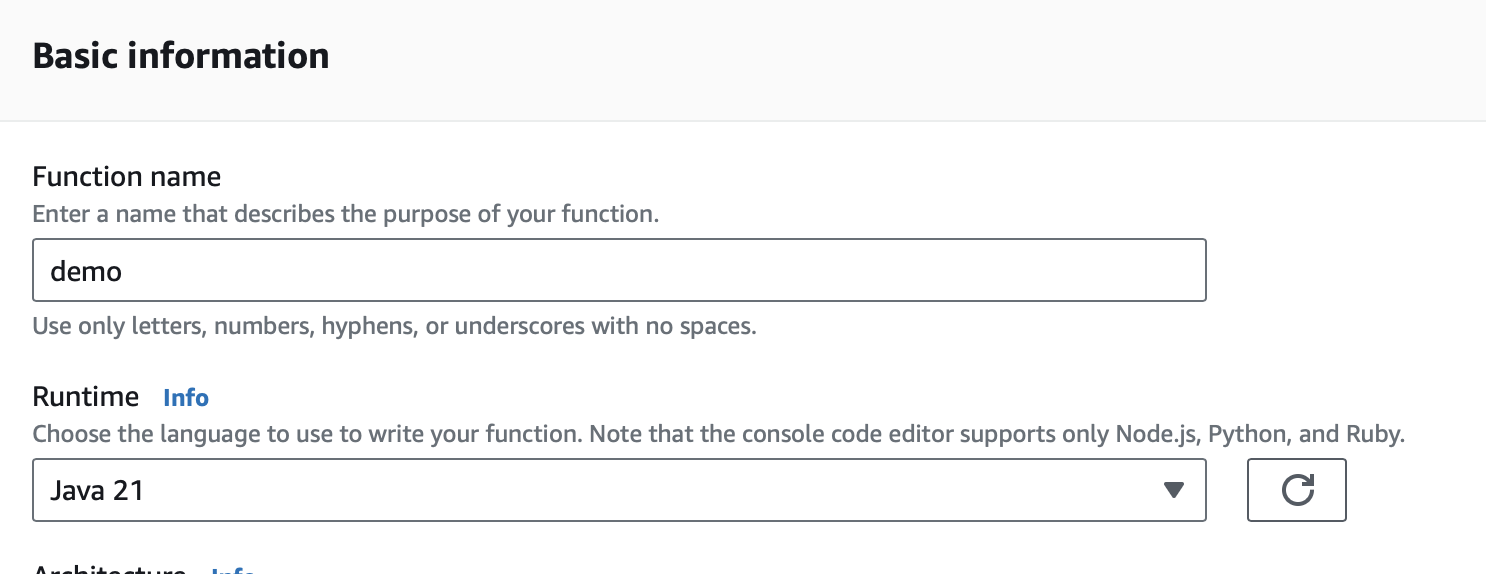
Create a Lambda function. As a runtime, select Java 17, Java 21, or Java 25.
IAM Role Policies
Add a Policy to the IAM role associated with the Lambda function:
{
    "Version": "2012-10-17",
    "Statement": [
        {
            "Sid": "VisualEditor0",
            "Effect": "Allow",
            "Action": [
                "secretsmanager:GetSecretValue",
                "secretsmanager:DescribeSecret",
                "secretsmanager:PutSecretValue",
                "secretsmanager:UpdateSecretVersionStage"
            ],
            "Resource": "*",
            "Condition": {
                "StringEquals": {
                    "secretsmanager:resource/AllowRotationLambdaArn": "XXXXXX"
                }
            }
        },
        {
            "Sid": "VisualEditor1",
            "Effect": "Allow",
            "Action": "secretsmanager:GetRandomPassword",
            "Resource": "*"
        }
    ]
}
Resource-Based Policy
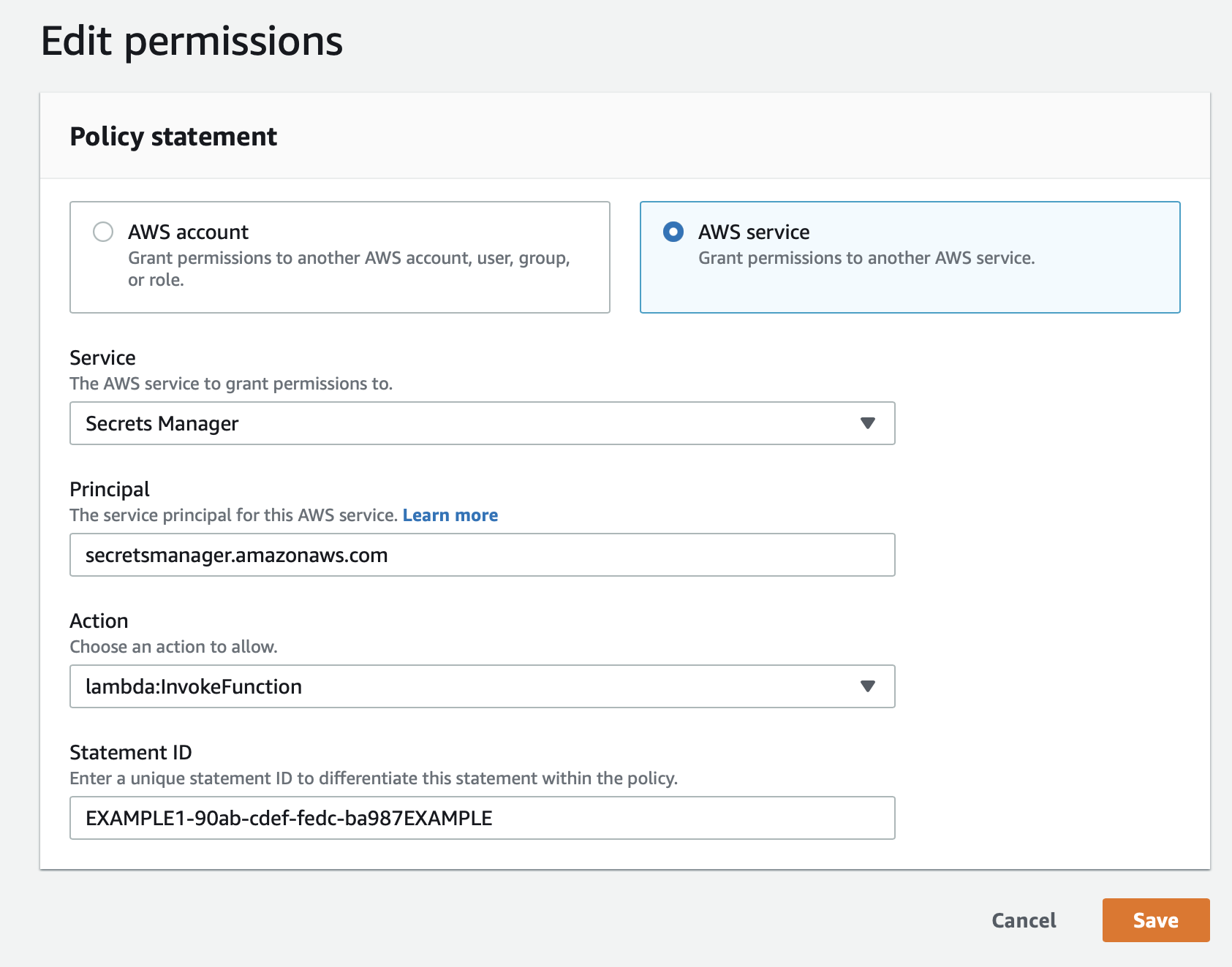
In Lambda (Configuration → Permissions), add a resource-based policy, such as:
Upload Code
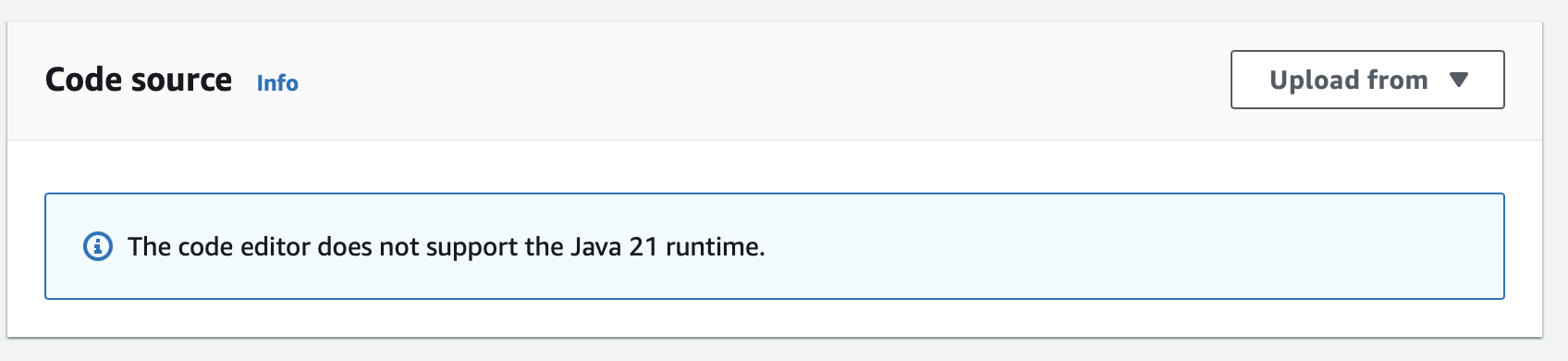
Create an executable jar including all dependencies:
./gradlew shadowJarUpload it:
Handler
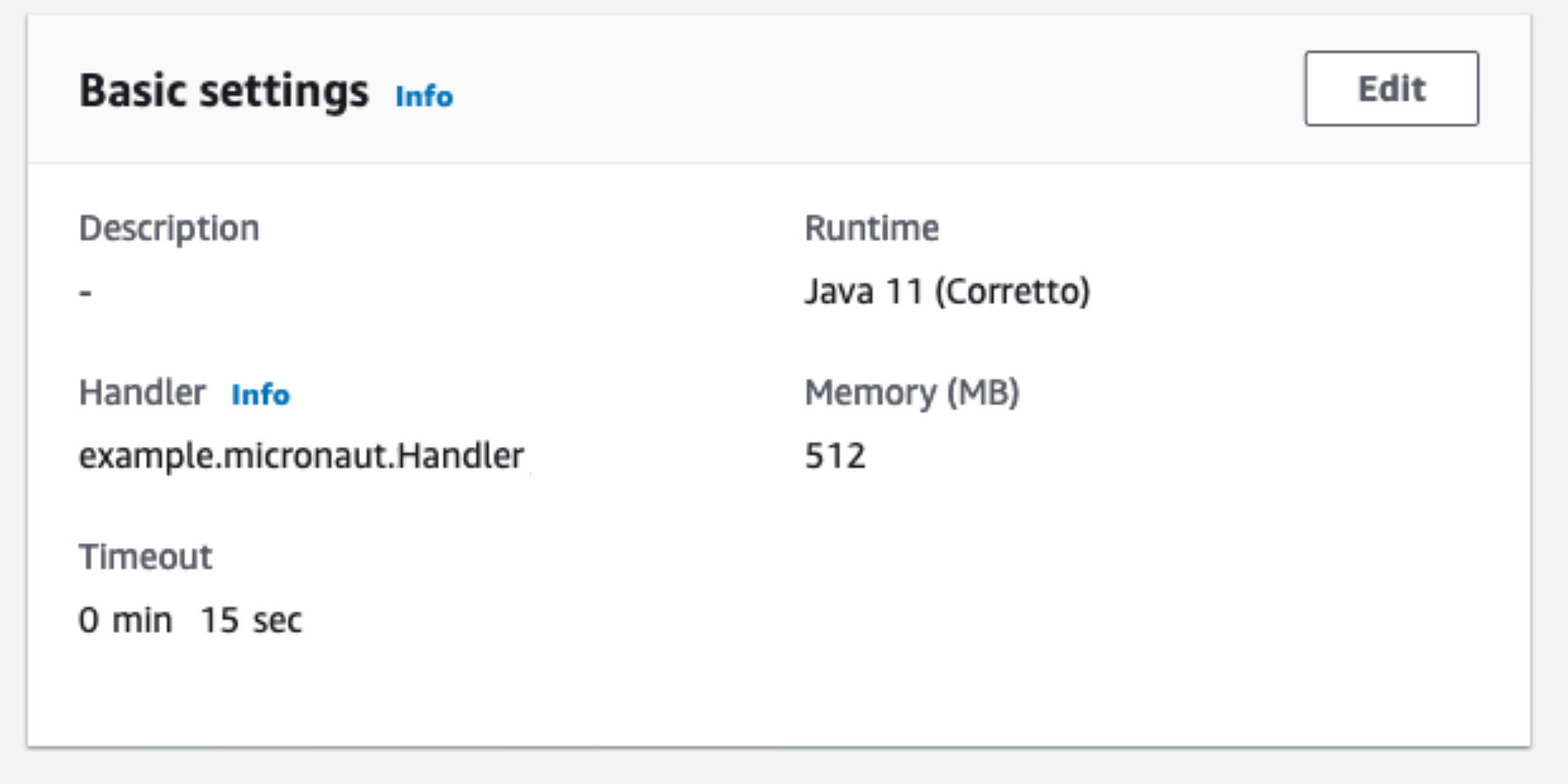
As the handler, set:
example.micronaut.Handler
You can trigger a rotation immediately within the AWS Console:

The Lambda function is invoked four times, once per step. Your secret should rotate successfully.
Next Steps
License
|
Note
|
All guides are released with an Apache License 2.0 for the code and a Creative Commons Attribution 4.0 license for the writing and media (images). |