

AWS Lambda Function URL and a Micronaut function
Deploy a Micronaut function to AWS Lambda Java 17 runtime and invoke it with a Lambda function URL.
On this guide
In this section
In this guide, we will deploy a Micronaut serverless function to AWS Lambda Java 17 runtime and invoke it with a Lambda function URL.
Getting Started
In this guide, we will create a Micronaut application written in Groovy.
What you will need
To complete this guide, you will need the following:
-
Some time on your hands
-
A decent text editor or IDE (e.g. IntelliJ IDEA)
-
JDK 21 or greater installed with
JAVA_HOMEconfigured appropriately
Solution
We recommend that you follow the instructions in the next sections and create the application step by step. However, you can go right to the completed example.
-
Download and unzip the source
Writing the Application
Create an application using the Micronaut Command Line Interface or with Micronaut Launch.
mn create-function-app example.micronaut.micronautguide --features=aws-lambda --build=gradle --lang=groovy|
Note
|
If you don’t specify the --build argument, Gradle with the Kotlin DSL is used as the build tool. If you don’t specify the --lang argument, Java is used as the language.If you don’t specify the --test argument, JUnit is used for Java and Kotlin, and Spock is used for Groovy.
|
If you use Micronaut Launch, select serverless function as application type and add the aws-lambda and aws-lambda-function-url features.
The previous command creates a Micronaut application with the default package example.micronaut in a directory named micronautguide.
Handler
Create a class extending MicronautRequestHandler and define input and output types.
imports
package example.micronaut

import io.micronaut.function.aws.MicronautRequestHandler
import io.micronaut.json.JsonMapper
import com.amazonaws.services.lambda.runtime.events.APIGatewayProxyRequestEvent
import com.amazonaws.services.lambda.runtime.events.APIGatewayProxyResponseEvent
import jakarta.inject.Inject
class FunctionRequestHandler extends MicronautRequestHandler<APIGatewayProxyRequestEvent, APIGatewayProxyResponseEvent> {
@Inject
JsonMapper objectMapper
@Override
APIGatewayProxyResponseEvent execute(APIGatewayProxyRequestEvent input) {
APIGatewayProxyResponseEvent response = new APIGatewayProxyResponseEvent()
try {
String json = new String(objectMapper.writeValueAsBytes([message: "Hello World"]))
response.statusCode = 200
response.body = json
} catch (IOException e) {
response.statusCode = 500
}
response
}
}Handler Test
Write a test that verifies the function behavior:
imports
package example.micronaut

import com.amazonaws.services.lambda.runtime.events.APIGatewayProxyRequestEvent
import com.amazonaws.services.lambda.runtime.events.APIGatewayProxyResponseEvent
import spock.lang.AutoCleanup
import spock.lang.Shared
import spock.lang.Specification
class FunctionRequestHandlerSpec extends Specification {
@AutoCleanup
@Shared
FunctionRequestHandler handler = new FunctionRequestHandler()
void "test Handler"() {
given:
APIGatewayProxyRequestEvent request = new APIGatewayProxyRequestEvent()
request.httpMethod = "GET"
request.path = "/"
when:
APIGatewayProxyResponseEvent response = handler.execute(request)
then:
response.getStatusCode().intValue() == 200
response.body == '{"message":"Hello World"}'
}
}-
When you instantiate the Handler, the application context starts.
-
Remember to close your application context when you end your test. You can use your handler to obtain it.
-
Invoke the
executemethod of the handler.
Testing the Application
To run the tests:
./gradlew testThen open build/reports/tests/test/index.html in a browser to see the results.
Lambda
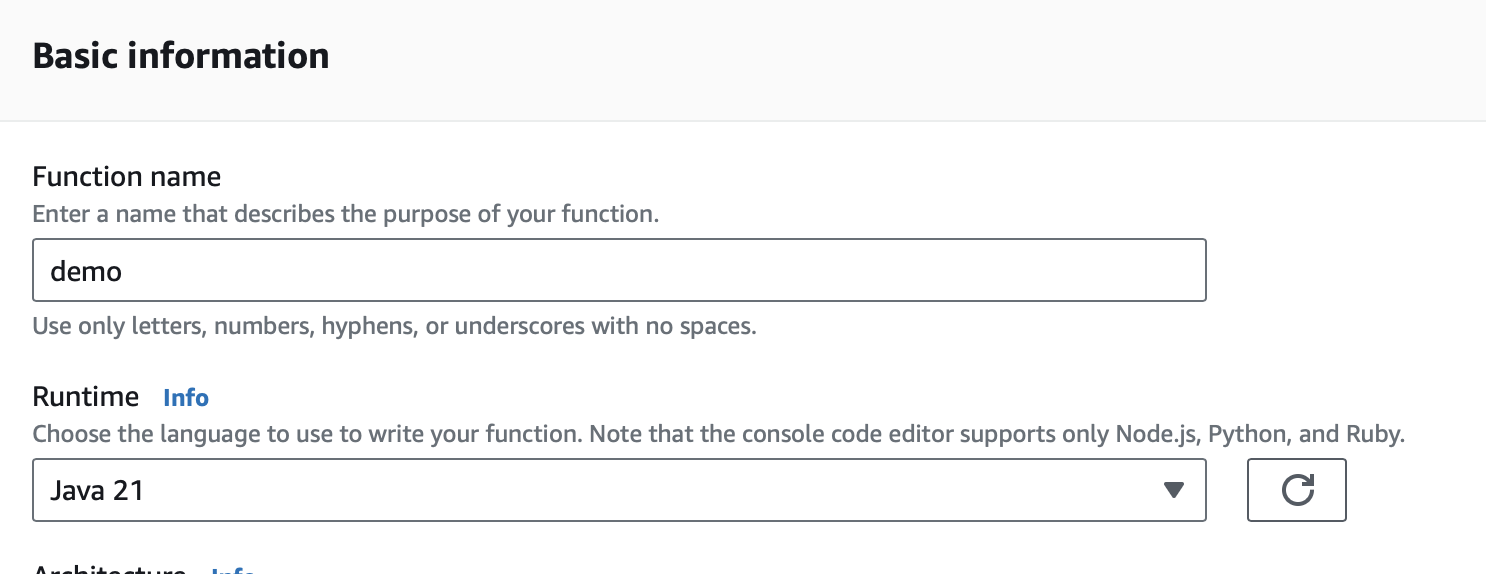
Create a Lambda Function. As a runtime, select Java 17, Java 21, or Java 25.
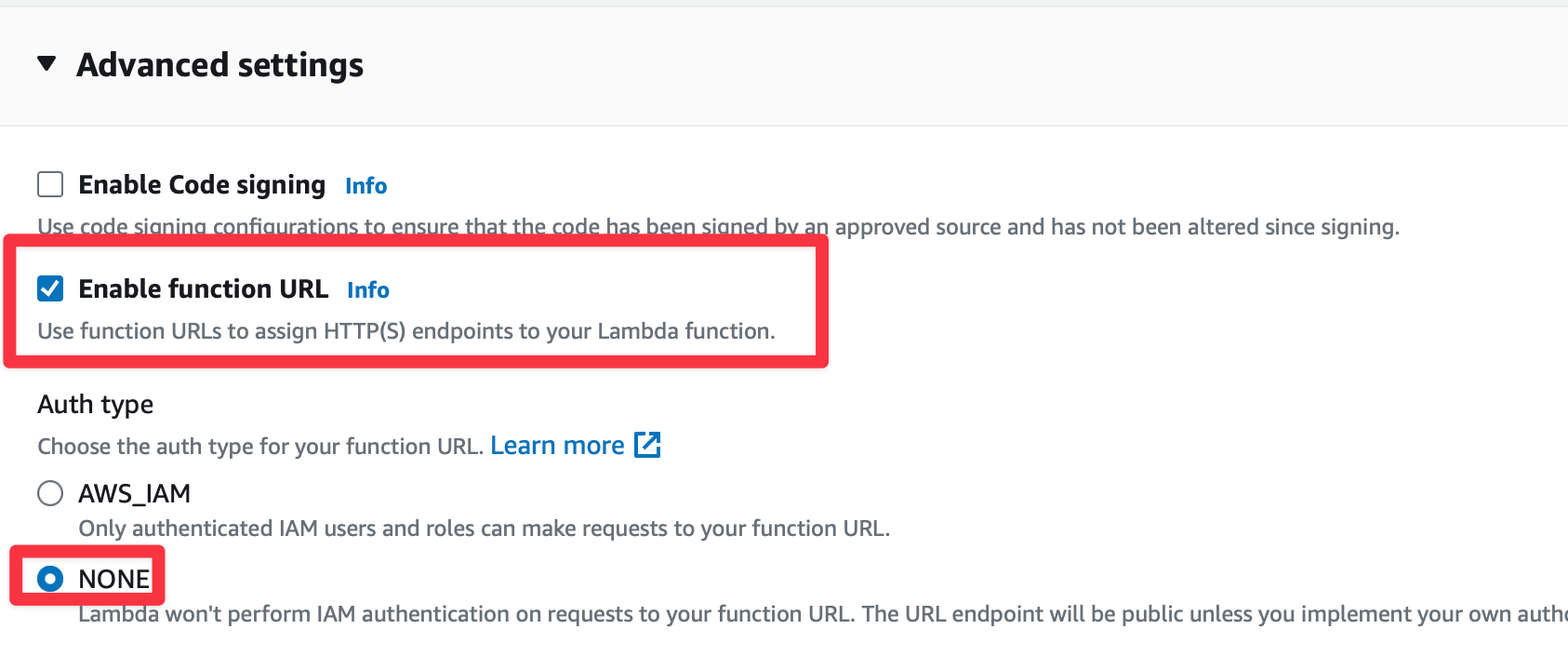
Enable function URLs and set Auth Type as NONE.
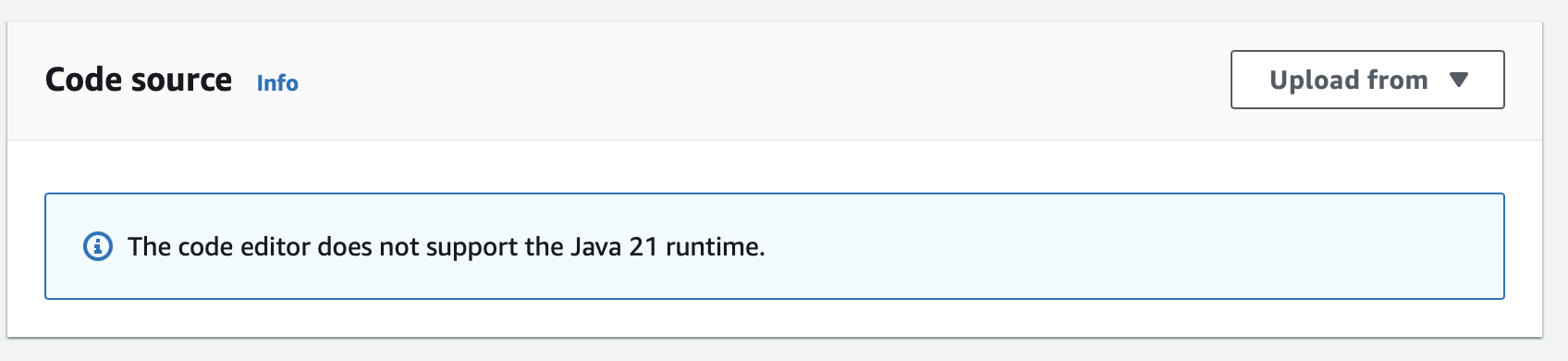
Upload Code
Create an executable jar including all dependencies:
./gradlew shadowJarUpload it:
Handler
As Handler, set:
example.micronaut.FunctionRequestHandler

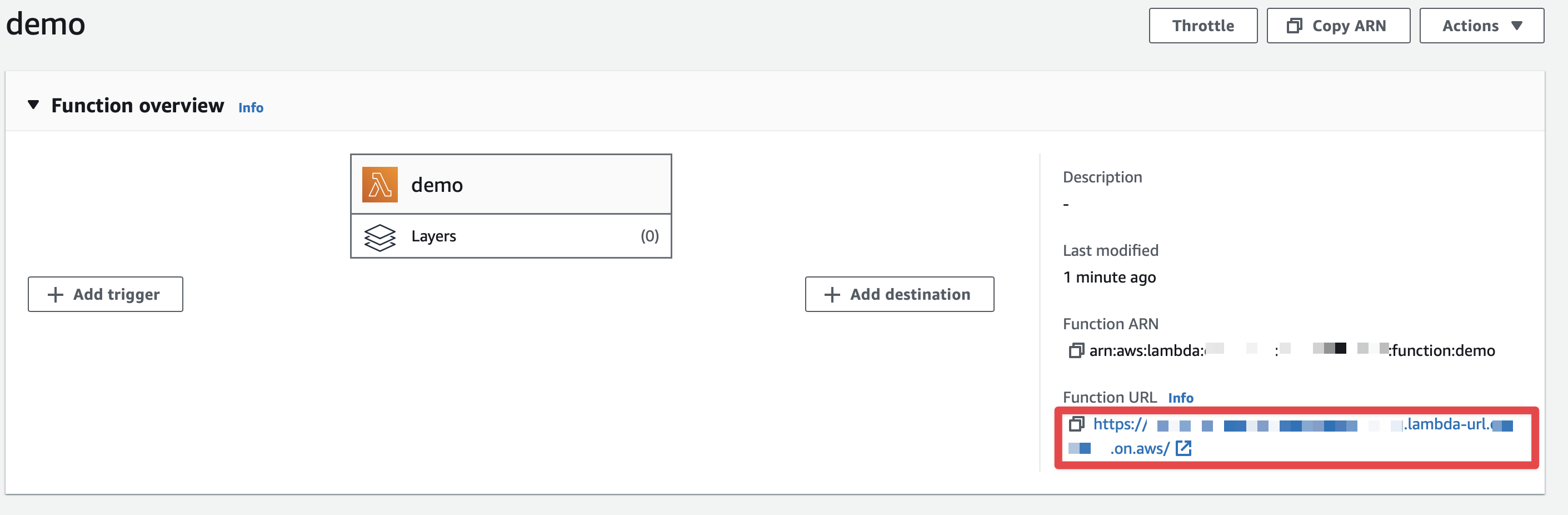
Obtain the Function URL
You can obtain the Function URL in the AWS Console:
Invoke it, via a cURL command:
% curl -i https://xxxxxxxx.lambda-url.xxxx.on.aws/
{"message":"Hello World"}
Next Steps
Explore more features with Micronaut Guides.
Read more about:
License
|
Note
|
All guides are released with an Apache License 2.0 for the code and a Creative Commons Attribution 4.0 license for the writing and media (images). |